So in order to use Quick Validation the flag needs to be activated. Now three things could happen after this. If the current order status is equal to “Quick validation after” value, then it will inmediatly validate the order as soon as you scan it:
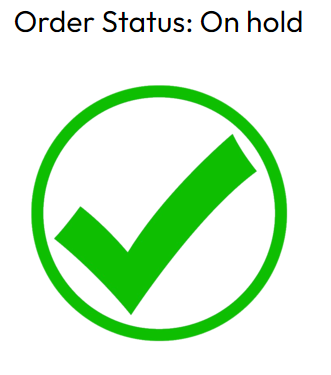
It will show what the last status was before it got validated but internally the order is now with the “validated” status.
If an order with validated status is scanned again it will alert the user:
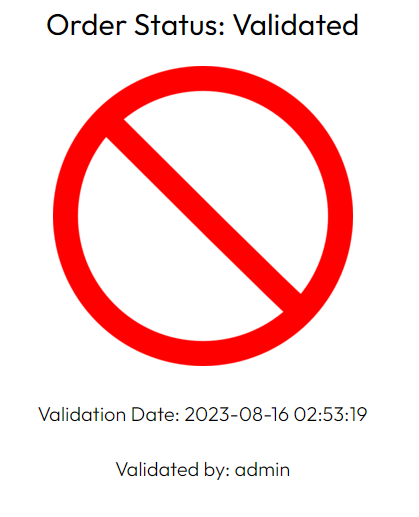
Note that this will show when and who validated the order.
An additional thing may happen. This does the automatic validation only when the order is on a known current status “X” to then turn it into Validated. If the order is actually in any other status it will alert the user and allows a manual validation:
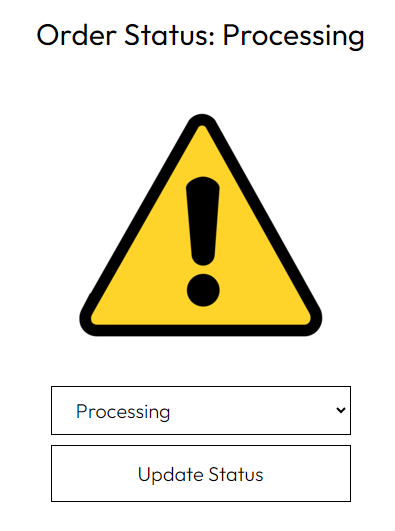
In this example the automatic validation was only going to validate On hold orders, but in this case, this order was under processing, so it can’t do the automatic validation, it will instead alert the person doing the validation and allow a manual update.