In the admin panel the QR Validator option can be seen. This takes you to this screen:
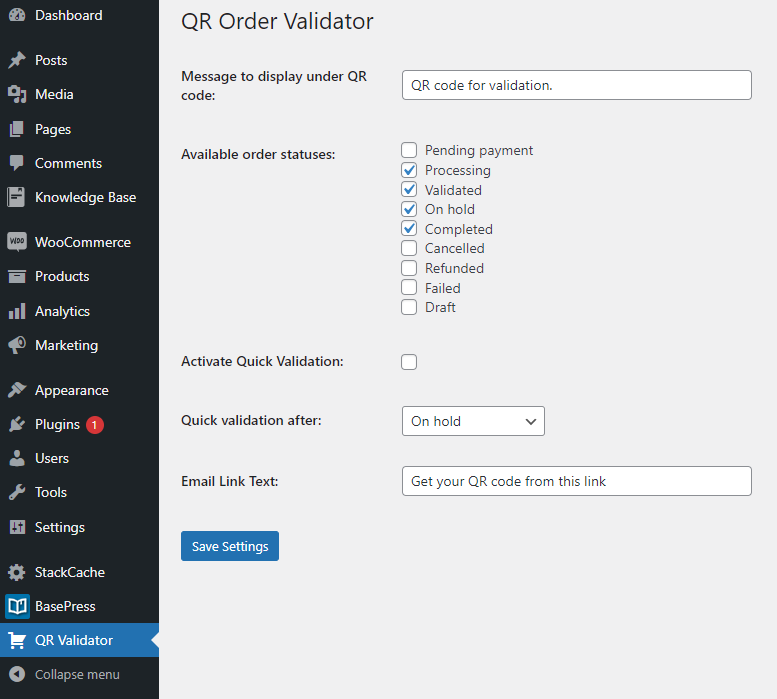
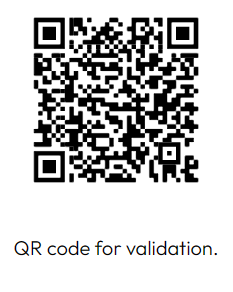
Message to display under QR code: Text that will appear on the QR code after a successful checkout.
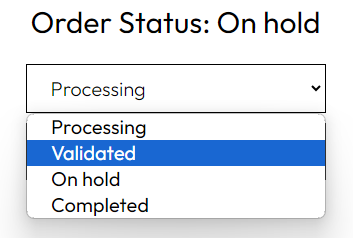
Available order statuses: Options that will appear when manual QR update is available. This is to change the status of the ticket from one state to another.
Activate Quick Validation: Flag to activate quick validation. It will be explained in detail on the next section
Quick Validation After: This only works if the flag above is active. It will be explained in detail on the next section.
Email Link Text: The link that will take you back to the QR. When you get the email it could look something like:

Depending on how you setup the email template.